
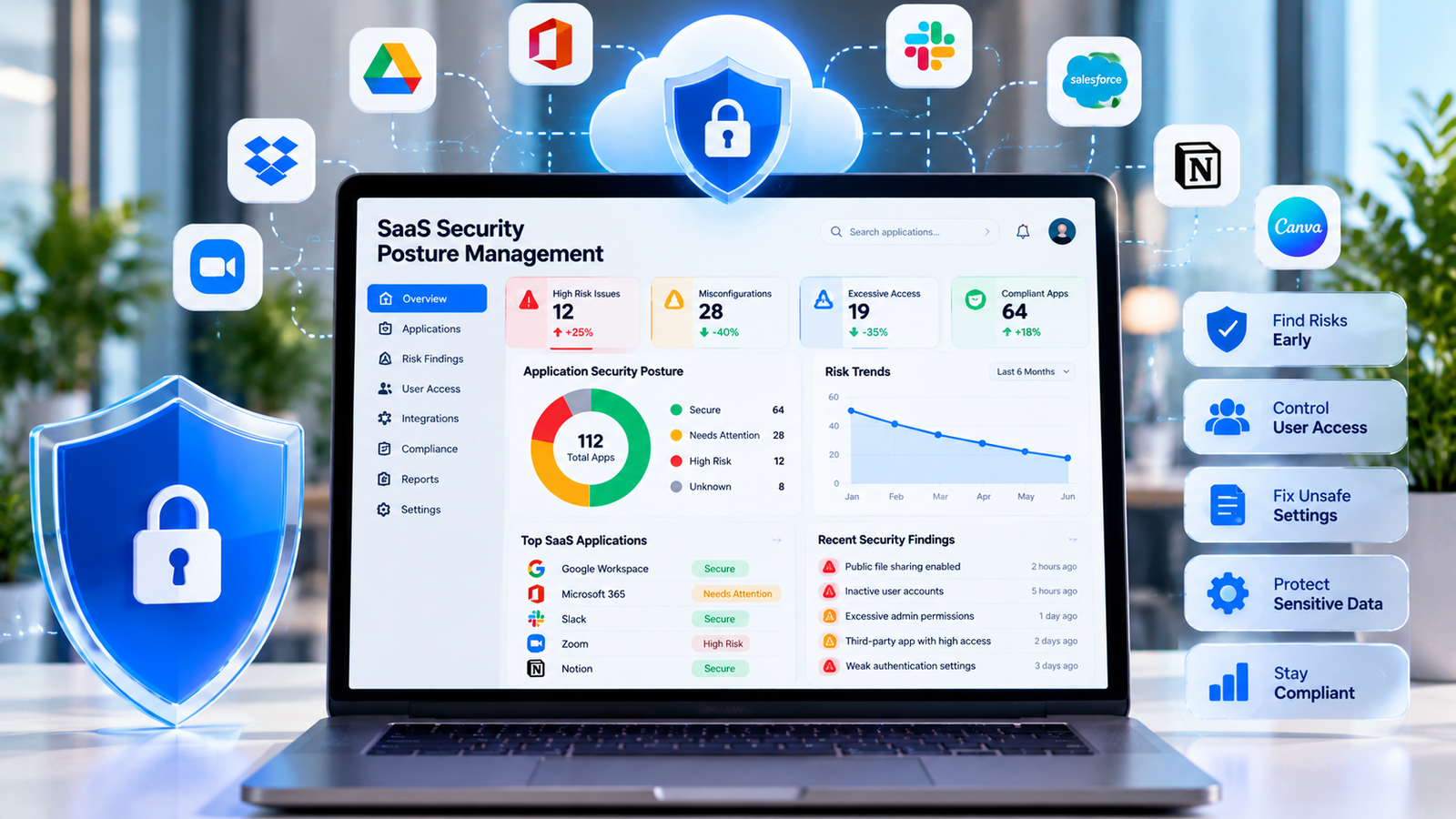
Businesses use cloud software to manage customer records, store files, communicate with teams, and run daily tasks. These tools help people work from different places and share information with ease. However, every new app can also create security risks. Weak settings, unused accounts, and poor access controls may expose important business data.
SaaS security posture management helps companies find and reduce these risks across their software applications. It gives security teams a clearer view of app settings, user access, connected services, and possible threats. With regular checks, businesses can protect sensitive information and keep their software safer.
A strong security plan should do more than react to problems. It should help teams find weak points early, fix unsafe settings, and follow clear rules for using cloud tools. This guide explains how businesses can build a practical process and improve their daily security work.
Why SaaS Security Needs More Attention
Many companies use dozens or even hundreds of software applications. Different teams may choose tools for sales, finance, marketing, customer support, and project work. Each app may store data, connect to other services, or allow users to share files. Managing all these settings can become difficult without a clear process.
SaaS security posture management helps businesses review their cloud software from one organized view. Security teams can look for risky settings, excessive permissions, weak account controls, and other issues that may affect company data.
One common problem is poor access control. An employee may have access to files or systems that are no longer needed for their job. If that account is compromised, an attacker may gain access to more information than necessary. Regular access reviews help limit this risk.
Another problem comes from software that employees use without approval. A team member may sign up for a new app to finish a task quickly. The app could store company files without the knowledge of the IT team. This creates a security gap because the company may not know where its data lives.
SaaS security posture management can help identify these gaps by improving visibility into applications and their settings. However, businesses still need clear buying rules and a simple way for staff to request new tools.
Misconfigurations are another major concern. An app may allow public file sharing, weak authentication, or broad access to sensitive records. These settings may remain unchanged for months if no one checks them. A regular review can help teams spot such problems before they cause harm.
Security also matters when a company works with outside vendors. Connected apps may receive permission to read emails, view files, or access customer information. Businesses should check these connections and remove access that no longer serves a clear purpose.
How to Find and Fix SaaS Security Risks
The first step is to create a reliable list of the software your company uses. Include approved apps, department tools, free trials, and services paid for through employee accounts. Record the app owner, business purpose, data stored, user count, and renewal date.
SaaS security posture management becomes more effective when the company knows which applications handle sensitive information. A payroll tool, for example, may store personal and financial records. A design app may contain brand files or customer assets. Each app needs security controls that match the type of data it holds.
Next, review the settings of each important application. Check who can access the app, whether multi-factor authentication is enabled, and how the service handles file sharing. Look for public links, external users, inactive accounts, and permissions that seem broader than necessary.
SaaS security posture management can support these reviews by helping teams find settings that do not match company policy. Some security tools can monitor connected applications and alert teams when a setting creates a risk. The exact features depend on the product and the apps it supports.
Give each risk a clear priority. A public link to confidential customer records needs faster attention than a minor setting that has little effect on sensitive data. Consider the type of information, the number of people affected, the chance of misuse, and the possible business impact.
Create a simple process for fixing issues. Assign an owner, set a deadline, document the change, and check that the fix worked. If a team must keep a risky setting for a valid reason, record the reason and add other safeguards where possible.
SaaS security posture management should also include regular checks after major changes. When a company adds a new app, changes its login system, or connects a new service, review the related security settings. This helps prevent new risks from going unnoticed.
Do not rely on automatic alerts alone. Alerts need context, and some may not show the full impact of a problem. Saas security posture management, understand the business need, and choose a suitable response.
Protect User Access and Sensitive Information
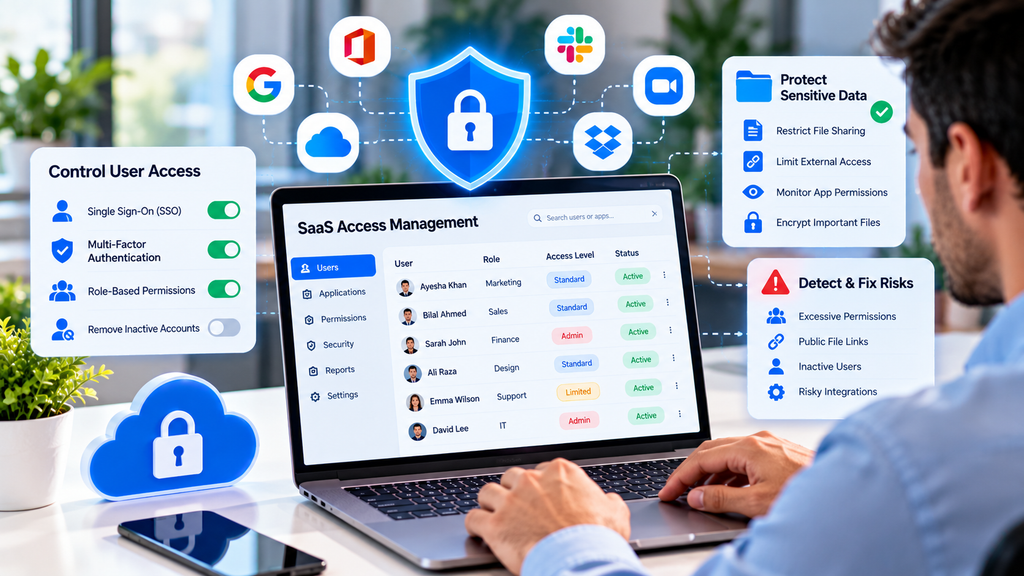
User access is one of the most important parts of cloud security. Employees should receive only the permissions needed to do their work. This approach is often called the principle of least privilege. It reduces the damage that can occur if an account is stolen or misused.
SaaS security posture management can help teams identify accounts with excessive access. For example, a staff member who only needs to view reports may not need permission to change billing settings or export every customer record.
Use single sign-on when suitable. It allows employees to access supported apps through a central identity system. Multi-factor authentication adds another check during login and can reduce the risk of account takeover. Strong authentication is especially important for administrators and users who can access sensitive data.
When employees leave the company, remove their access promptly. Check their accounts, connected apps, shared files, and any access tokens they created. When workers change roles, review their permissions rather than keeping every old permission active.
SaaS security posture management should cover external users too. Vendors, contractors, and partners may need temporary access to certain tools. Set a clear end date for that access and review it when the work ends. Avoid leaving guest accounts active without a current business reason.
Data sharing needs similar care. Review who can create public links, invite outside users, download files, or copy records to personal devices. Saas security posture management. Teams may need more freedom with public marketing files than with private customer information.
Keep security rules clear and easy to follow. Staff should know which apps are approved, how to report a suspicious login, and where to ask for help. Short training sessions and simple instructions can prevent mistakes without making daily work harder.
Build a Practical SaaS Security Plan
A useful security plan begins with clear ownership. Decide who manages app discovery, who reviews settings, who approves new software, and who handles incidents. In smaller businesses, one person may cover several roles, but each task should still have a named owner.
SaaS security posture management works best when IT, security, finance, and department leaders share information. IT can review access and settings, while department leaders explain how employees use each app. Finance can help identify subscriptions and services that may not appear in the main software list.
Set a regular review schedule. Saas security posture management, while lower-risk tools may need less attention. Review important settings after a security incident, major company change, or new integration. Record the date and result of each review.
Choose useful measures to track progress. You might monitor the number of unknown apps, high-risk settings, inactive accounts, overdue fixes, and applications without a clear owner. These measures help leaders see whether security work is improving over time.
SaaS security posture management tools can reduce manual work by collecting app information, checking settings, and sending alerts. Before buying a platform, confirm which applications it supports and what level of access it requires. Ask how it protects the data it collects and how it fits with existing security tools.
Avoid choosing a product based only on a long feature list. Start with your main risks and business needs. A smaller company may need clear app visibility and access reviews, while a large organization may need more advanced monitoring and reporting.
Create an incident response plan for possible SaaS account compromise or data exposure. The plan should explain how to report an issue, disable a risky account, review activity, protect affected data, and contact the right people. Keep contact details current and test the process when possible.
SaaS security posture management should be part of normal business operations, not a one-time project. New apps, users, settings, and integrations appear over time. Regular reviews help companies adapt as their software environment changes.
Common Mistakes and Better Security Habits
One common mistake is assuming that a software provider handles every security task. Saas security posture management, but customers often remain responsible for user permissions, account settings, data sharing, and access policies. Businesses should understand this shared responsibility before using an app.
Another mistake is giving every employee administrator access because it seems easier. Broad access can increase the impact of stolen accounts and accidental changes. Give administrative rights only to people who need them, and review those rights regularly.
Companies may also ignore apps that cost little or offer free plans. However, a low price does not mean low risk. A free app can still collect business information or connect to other services. Review security and privacy before employees upload company data.
Google Business: Ways to Build Trust and Attract Local Customers
SaaS security posture management should not become a process that blocks every new tool. Employees need useful software to do their jobs. A clear review path can help them request apps, explain their needs, and receive a decision without unnecessary delays.
Finally, do not treat a completed checklist as proof that an app is always safe. Settings can change, staff can leave, and new features can create new access paths. Keep records up to date and review important controls on a regular basis.
Conclusion
Cloud software helps businesses work faster, but poor settings and weak access controls can expose important information. A clear process for finding apps, checking permissions, reviewing configurations, and fixing risks can make a real difference.
Corporation Maryland Guide for Starting and Managing a Business
SaaS security posture management gives businesses a structured way to understand and reduce risks across their software environment. It works best when teams know who owns each app, follow clear access rules, and review security settings regularly.
Start with a list of your applications and focus on the highest-risk issues first. Add regular reviews, clear responsibilities, and useful security measures. With steady effort, your business can improve its security while allowing employees to use the tools they need.
1 thought on “SaaS Security Posture Management Strategies for Safer Business Operations”