
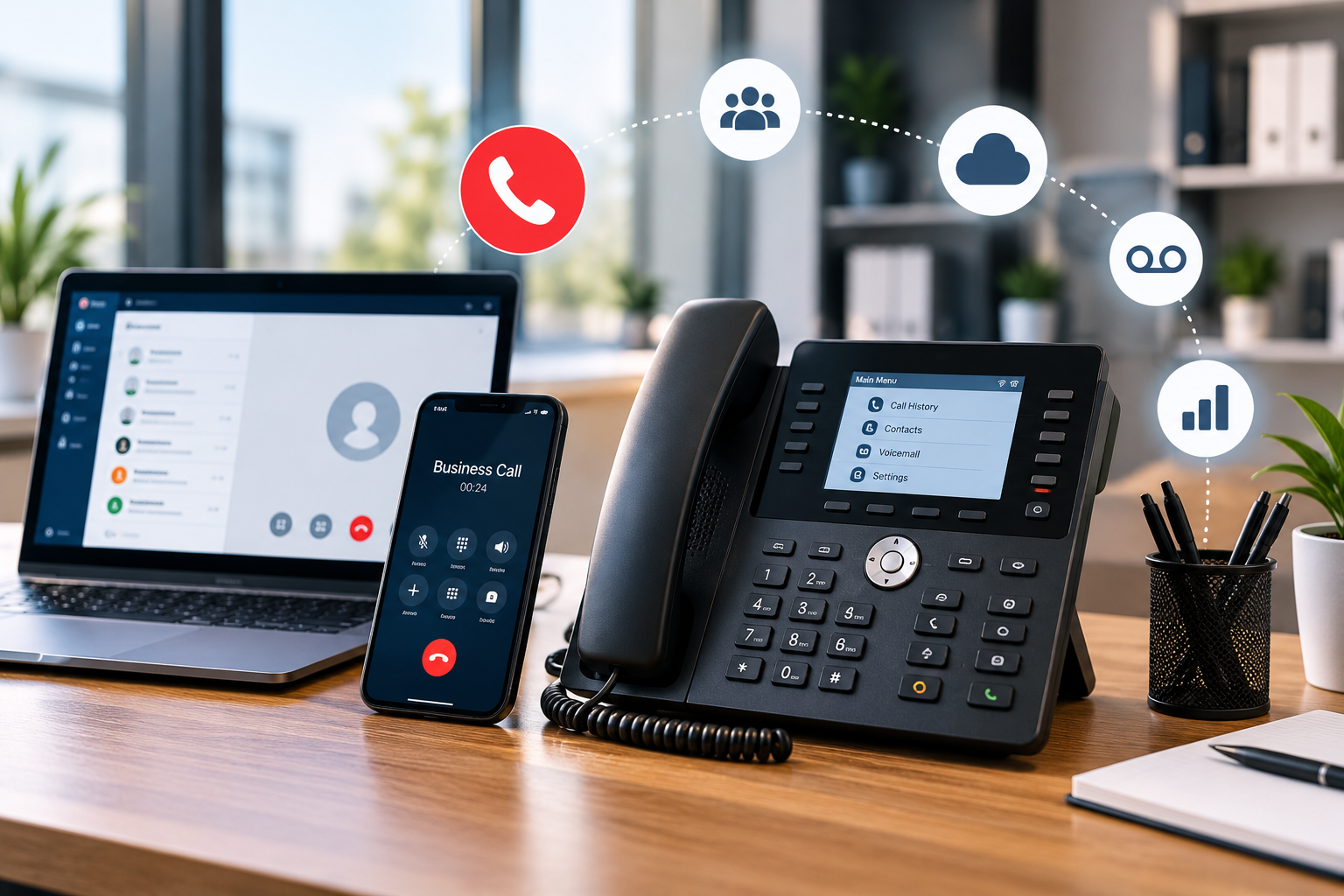
Phone systems for small business help owners manage customer calls, staff communication, and daily work. A good setup gives customers a clear way to contact a company and helps staff answer calls from the office, home, or while travelling. The right choice depends on team size, call volume, budget, internet quality, and customer needs.
A small shop may need one public number and call forwarding. A growing service company may need extensions, shared voicemail, and call queues. A remote team may prefer mobile and desktop apps. Before choosing phone systems for small business, list your communication problems and decide which features can solve them.
Understand the Main Types of Business Phone Systems
Traditional landlines use telephone lines to carry calls. They may suit phone systems for small business that already have working equipment and simple calling needs. However, adding lines or advanced features can require extra equipment, installation, or support. Availability also depends on the local telephone provider.
Voice over Internet Protocol, known as VoIP, carries calls over an internet connection. Staff can often use desk phones, computers, or mobile apps with the same business number. Cloud-based services are managed by the provider, so the company usually does not need to maintain a phone server at its office. This can help teams working across different locations.
Virtual phone services are another option. They can route calls from a business number to an existing mobile phone and may include greetings, voicemail, and call forwarding. They can work well for sole traders and small teams that want a separate business number without buying many devices.
An on-site private branch exchange (PBX) uses equipment at the business location to manage extensions and call routing. It may suit companies with existing hardware or specific control needs. However, equipment, repairs, and upgrades can add cost and work.
When comparing phone systems for small business, consider how each type fits your daily work. A company with three employees may need a simple service, while a customer support team may need call queues and detailed reports. Do not pay for a complex system if your team will use only basic calling features.
Choose Features That Solve Real Problems
Start by reviewing the calls your team receives each day. A professional greeting tells callers they have reached the right company. An automated attendant can offer options such as sales, support, or accounts. Extensions then connect callers to the right person. Keep menus short because too many choices can frustrate customers.
Call forwarding and ring groups can help prevent missed calls. For example, a plumbing company could ring the office number first and then send unanswered calls to the worker on duty. A shared voicemail inbox can help the team follow up when the usual contact is unavailable. phone systems for small business settings can also provide a clear message when the office is closed.
Mobile and desktop apps allow staff to answer business calls while travelling or working from home. Before choosing phone systems for small business, test the apps on the devices and internet connections your team actually uses. Poor internet quality can affect call sound, so check whether your connection can support calls during busy periods.
Call history and reporting can show the number of incoming calls, missed calls, and busy periods. A small company can use these details to adjust staff schedules and improve response times. Reports are useful when someone reviews them and takes action. Collecting data without using it will add little value.
Some services also offer text messaging, video meetings, call recording, voicemail transcription, and customer relationship management (CRM) integrations. These tools can help teams share information and maintain better customer records. However, feature availability varies by provider and plan. Check the extra cost before making a decision.
The best phone systems for small business should make everyday communication easier. Choose features that solve clear problems instead of selecting a plan simply because it has the longest feature list.
Compare Total Cost, Reliability, and Security
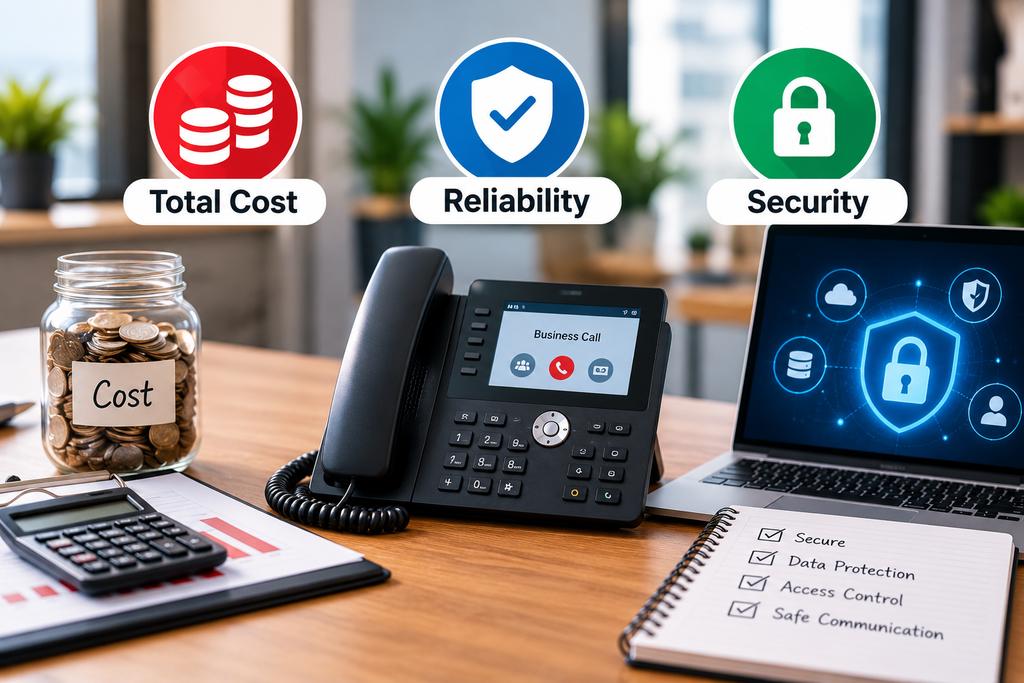
A provider may advertise a low monthly price, but the final bill can include user licences, phone systems for small business, hardware, setup, taxes, premium features, and cancellation fees. Ask for a written quote that lists both recurring and one-time charges. Check the contract length, renewal rules, and cost of adding more employees.
Estimate the total cost for at least one year. Include devices, staff training, and any internet upgrades needed for reliable calls. If you already own desk phones, ask whether they are compatible with the service. Do not assume that every phone works with every provider.
Reliability matters because missed calls can lead to lost sales or unhappy customers. Ask how the provider handles outages, whether it has a service status page, and how you can contact support when calls fail. If a trial is available, test it during normal working hours rather than relying only on a short demonstration.
A backup plan is also useful. You may be able to forward calls to a mobile phone or publish an alternative contact method during an internet outage. Before choosing phone systems for small business, confirm what happens if the provider or your internet connection becomes unavailable.
Security deserves attention because phone accounts may contain customer details, call records, and voicemail messages. Use strong passwords and multi-factor authentication where available. Give account access only to people who need it, remove access when employees leave, and review who can manage phone settings.
If you plan to record calls, check the laws that apply to your phone systems for small business and tell callers when required. Ask the provider how it protects account data and controls suspicious calling activity. Clear security settings and a reliable support process can help reduce avoidable risks.
Plan the Setup and Select a Suitable Provider
Write a short requirements list before asking providers for quotes. Include the number of employees, expected call volume, work locations, and whether you need texting or video meetings. List any software that should connect to the phone service, such as a CRM, calendar, or help desk. This makes it easier to compare different offers fairly.
Ask each provider the same questions. Can you keep your current business number? Which features are included? Can staff answer calls through mobile apps? What happens during an internet outage? Is training included? How quickly can support respond? Are there extra charges for integrations, recordings, or additional locations?
For phone systems for small business, number transfer is an important part of planning. If customers already know your number, keeping it may prevent confusion. Confirm transfer dates with both providers and do not cancel the old service until the transfer is complete.
Plan the call flow before launch. Decide who answers first, where calls go when that person is busy, and what happens after hours. Show staff how to transfer calls, check voicemail, update greetings, and report faults. Test incoming calls, outgoing calls, caller ID, voicemail, and connected apps before relying on the new setup.
Move in stages when possible. If customer calls are essential to your work, schedule the change during a quieter period. phone systems for small business contact details available and make sure staff know how to reach support. These steps can reduce disruption during the changeover.
After launch, review missed calls, call quality, customer feedback, and the monthly bill. Remove features that nobody uses and adjust routing if callers often reach the wrong person. As your team grows, review whether the current plan still fits. Well-managed phone systems for small business should support changing needs without creating unnecessary costs.
Conclusion
The right business phone setup helps customers reach your team and allows staff to respond clearly and consistently. Traditional landlines, virtual services, on-site PBX, and cloud VoIP each have different costs and levels of control. The best choice depends on your call patterns, work locations, internet reliability, and support needs.
Before buying, define the problems you want to solve, compare the full cost, test call quality, and review security and outage plans. Avoid paying for features your team will not use, but do not ignore the basics that protect customer service.
By comparing phone systems for small business against clear requirements, you can choose a practical setup that fits your budget and can grow with your company. Review the service after launch and make changes when your team or customer needs change.
For more information, read the business phone systems guide from NI Business Info and the US Chamber of Commerce guide to small business phone systems.
2 thoughts on “Phone Systems for Small Business: How to Choose the Right Setup”