
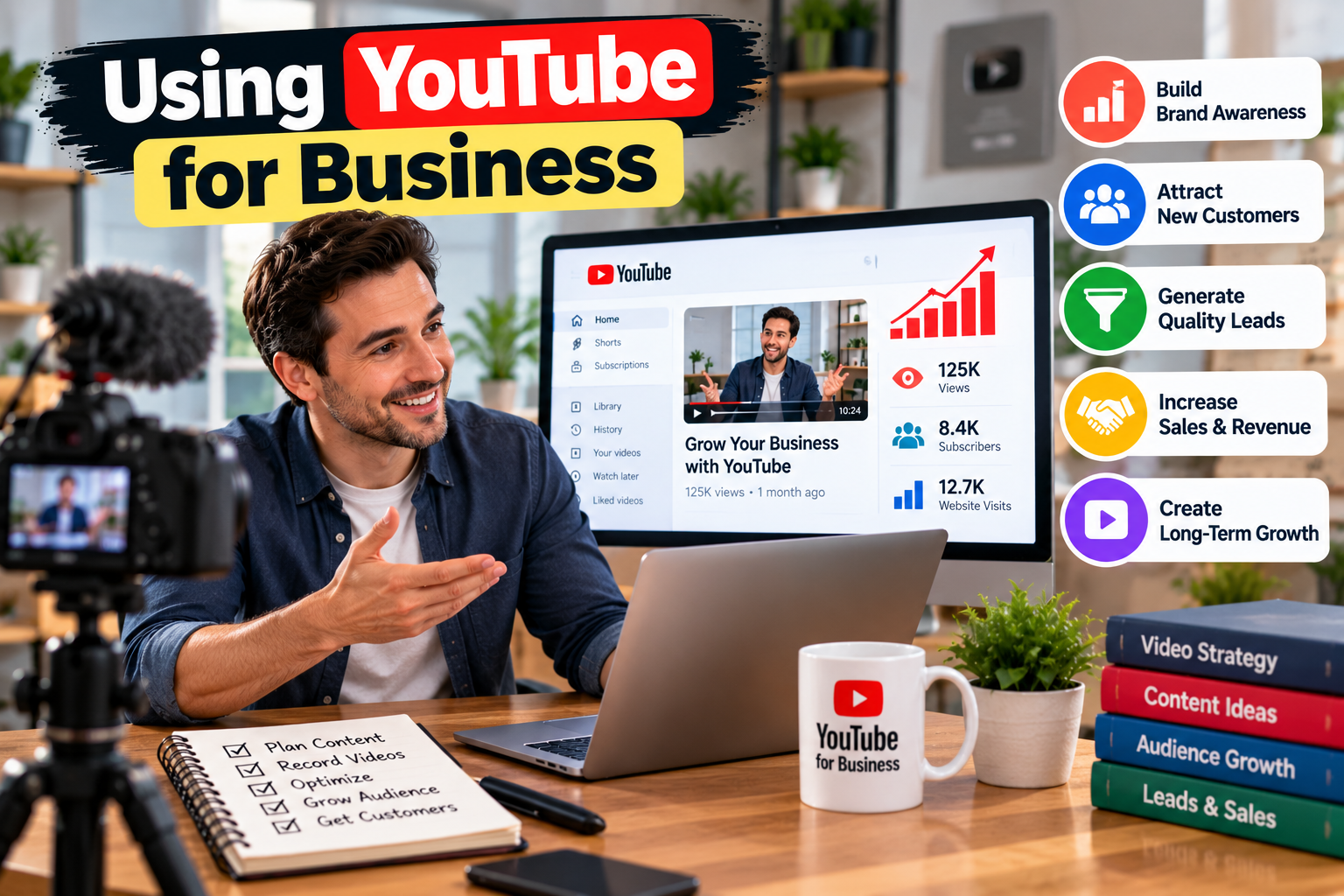
Using YouTube for business can help companies explain products, answer customer questions, build trust, and bring more visitors to their websites. A useful video can continue bringing views long after it is published, which makes YouTube different from many short-term social media posts.
You do not need a large company or expensive studio to start. A smartphone, clear topic, decent lighting, and a simple publishing plan can be enough. The main goal is to create videos that match what your customers actually want to know.
If you are new to using YouTube for business, start with one clear goal. You may want more website visitors, product sales, leads, brand awareness, or better customer support. Your goal will affect the type of videos you create and the results you measure.
What Makes YouTube Useful for Business?
Using YouTube for business works best when every video solves a real customer problem. Instead of making videos only about your company, answer questions people search for before making a purchase.
For example, a software company can publish tutorials, product comparisons, setup guides, and troubleshooting videos. A local service company can show its process, answer common questions, and explain factors that affect pricing. An online store can create product demonstrations, buying guides, and comparison videos.
This approach gives your channel a clear purpose. People can discover your content while searching for answers and then visit your website when they need more information.
Using YouTube for business also gives you a chance to show how a product works instead of simply describing it. A short demonstration may explain a feature better than several paragraphs of sales copy.
Another benefit is trust. Customers can see the people behind a company, hear explanations in a natural voice, and watch products being used. This can make a business feel more familiar before a customer contacts the company.
Your videos can also support other marketing channels. A long video can become short clips, a blog topic, an email idea, or a social media post. One useful topic can therefore support several parts of your marketing plan.
Before publishing, decide who the video is for. A beginner may need basic explanations, while an experienced buyer may want technical details, comparisons, or pricing information. A clear audience makes it easier to choose topics and language.
Using YouTube for business can also help a company answer questions that sales teams hear repeatedly. If customers often ask about delivery, product setup, features, pricing, or maintenance, those questions can become useful video topics.
How to Build a YouTube Strategy
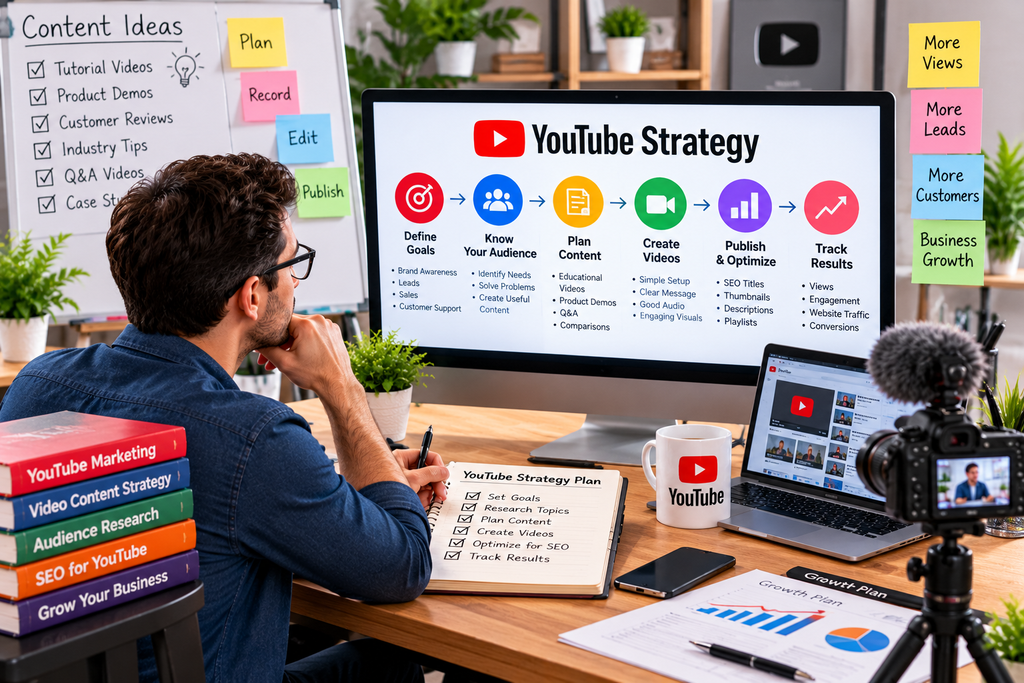
A strong channel starts with a simple content plan. When using YouTube for business, create several content groups instead of posting random topics.
The first group can focus on educational videos. These answer questions related to your products or industry. Examples include “How does X work?”, “How to choose X,” and “Common mistakes with X.”
The second group can focus on product or service videos. Show how your offer works, what problem it solves, and who should use it. Avoid making every video sound like an advertisement. Give viewers useful information first.
The third group can focus on comparisons and decision-making. Customers often search for differences between products, services, tools, or approaches. These videos can reach people who are already close to making a purchase.
The fourth group can cover customer questions. Review questions from emails, sales calls, support tickets, comments, and online searches. If one question keeps appearing, it may deserve its own video.
Using YouTube for business becomes easier when you build a repeatable production process. Pick a topic, research search intent, write a short outline, record the video, remove unnecessary pauses, create a clear thumbnail, write a useful title and description, then publish and review the results.
Titles should tell viewers exactly what they will learn. Avoid misleading titles because clicks without viewer satisfaction can reduce the value of the channel. Your thumbnail should also make the topic clear without filling the screen with too much text.
Think about the first 15 to 30 seconds carefully. Tell viewers what the video will cover and why it is useful. Get to the main point quickly instead of spending a long time introducing your company.
You should also add a clear next step. Depending on the video, this could be visiting a product page, reading a related article, signing up for a service, requesting a quote, or watching another relevant video.
Using YouTube for business does not mean you need to publish every day. A schedule your team can maintain is more useful than a demanding schedule that stops after a few weeks.
Try to keep production simple at first. Create a basic recording setup that you can repeat. Good audio, clear visuals, and useful information usually matter more than expensive equipment.
How to Turn Views Into Results
Using YouTube for business should connect video activity with a measurable business result. Views are useful, but they are not the final goal for most companies.
Start by choosing a few metrics that match your goal. If awareness is the goal, you may review views, unique viewers, impressions, and returning viewers. If engagement matters, look at watch time, average percentage viewed, comments, likes, and subscribers gained.
For lead generation, track clicks from YouTube to your website, form submissions, calls, email signups, or quote requests. For ecommerce, track product-page visits and sales where your analytics setup can measure them.
Using YouTube for business can also help with customer support. Create short videos that explain common setup problems, account steps, product care, or basic troubleshooting. These videos can reduce repeated questions and give customers a resource they can revisit.
You can improve videos by studying audience behavior. If viewers leave early, check whether the introduction is too long or the title promises something the video does not deliver quickly. If viewers watch most of a video but do not take action, improve the next step and make it easier to find.
Look for topics that already perform well on your channel. A successful video can lead to related videos that answer the next question. For example, a beginner guide can lead to an advanced guide, comparison video, case study, and troubleshooting video.
Using YouTube for business also works well with a website content strategy. A video about a topic can be embedded in a related blog post. The article can provide details while the video gives viewers a faster explanation. This gives visitors more than one way to consume the information.
Another useful approach is to create video series. Instead of making one long video that covers everything, divide a large subject into smaller topics. A series can make it easier for viewers to find the exact information they need.
Using YouTube for business can also support sales conversations. A salesperson can send a relevant tutorial or product demonstration after speaking with a potential customer. This can answer questions before the next conversation and help the buyer make a more informed decision.
Do not judge a channel after only a few uploads. Some topics need time to collect search traffic and viewer data. Review performance regularly and improve titles, thumbnails, topics, and video structure based on actual results.
Conclusion
Using YouTube for business can become a useful part of a broader marketing system when the content has a clear purpose. The strongest channels usually focus on customer questions, useful demonstrations, educational topics, comparisons, and practical solutions instead of constant sales messages.
Buy a Senior Care Business: A Practical Guide for Buyers
If you are starting with using YouTube for business, choose one audience and one clear goal. Build a small list of useful topics, publish consistently, and connect each video with a relevant next step.
The best results usually come from improving over time. Review which topics attract the right viewers, which videos keep attention, and which actions lead to business results. Then create more content around the subjects that prove useful.
Using YouTube for business is less about chasing every trend and more about building a searchable library of helpful videos. That library can support visibility, trust, leads, sales, and customer relationships when it is planned and maintained properly.
Using YouTube for business can also give smaller companies a chance to compete for attention by answering specific questions that larger competitors may ignore. A focused channel with helpful content can become a valuable source of traffic and customer education.