
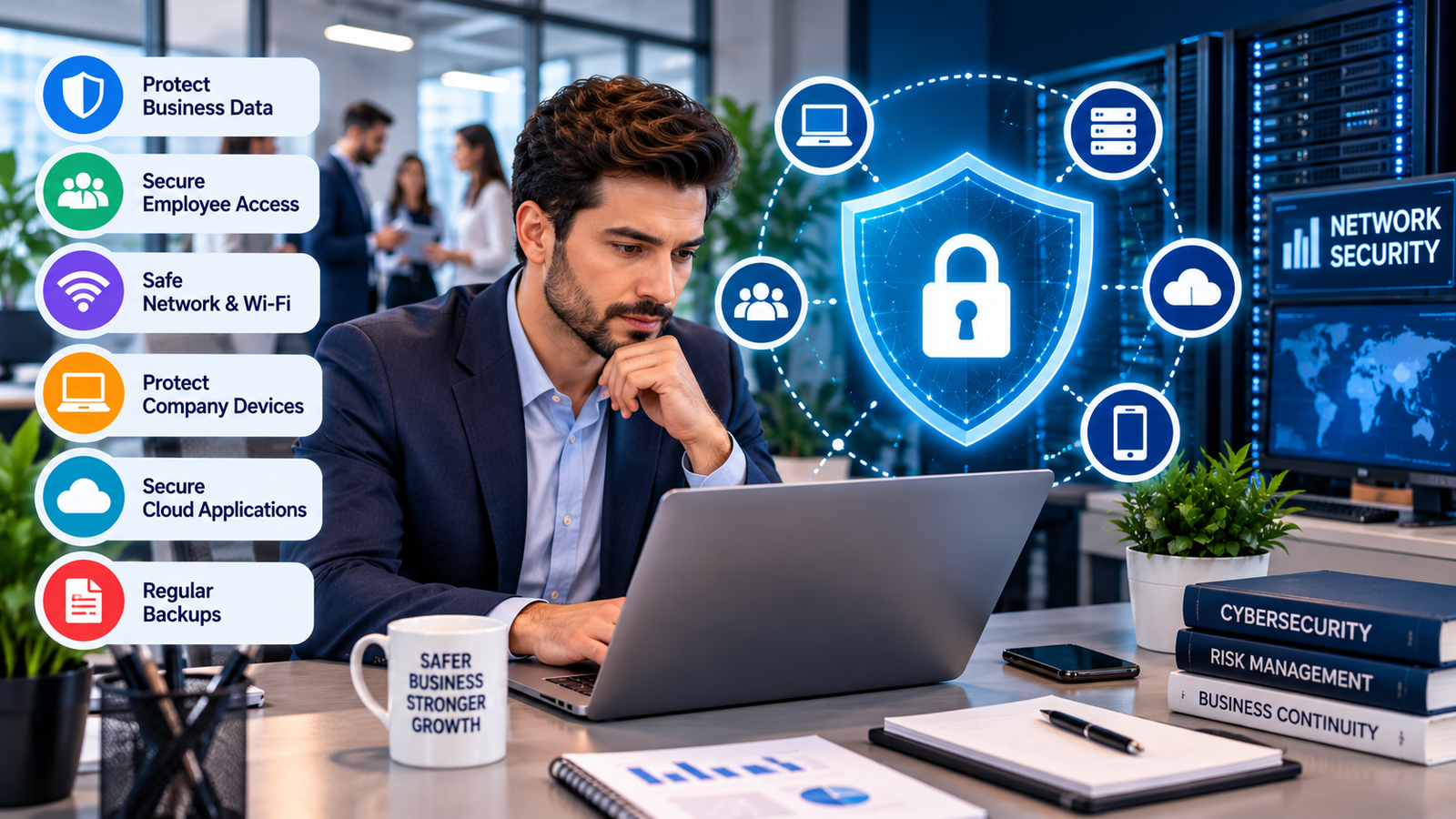
A business network connects computers, phones, printers, cloud applications, payment systems, websites, and other tools that employees use every day. If one part of that network is poorly protected, an attacker may find a way into other systems.
Good business network security is therefore more than installing a firewall. It involves controlling access, updating devices, protecting Wi-Fi, training employees, separating important systems, monitoring activity, and having a recovery plan. Cisco describes network security as a combination of hardware, software, policies, and controls that protect network access and data.
For a small company, the goal should be practical protection that fits the way the business actually works. You do not need to buy every security product available. You need to identify the biggest risks and address them in the right order.
What Does Business Network Security Protect
Business network security protects the digital systems that allow a company to operate. This can include office computers, laptops, smartphones, Wi-Fi routers, servers, cloud applications, printers, cameras, payment devices, and remote connections.
A company may have dozens of connected devices without realizing how many access points exist. An old laptop, unused employee account, forgotten remote-access tool, or outdated router can create a security weakness.
The first step is to make a list of everything connected to the business network. Record the device type, owner, purpose, software, and access level. Do the same for important cloud accounts.
Business network security should also protect the information moving between these systems. Customer information, invoices, employee records, payment information, business documents, and login credentials can all be valuable to attackers.
Access should be based on job needs. An employee who handles customer support may not need access to financial records. A temporary contractor may need access to one application but not the entire network.
This approach limits the damage that can happen if an account is compromised. AT&T also recommends individual accounts, multifactor authentication, limited permissions, updated systems, protected Wi-Fi, and regular access reviews for small businesses.
The Most Important Security Controls for a Small Business
A small business does not need an enormous security department to improve its protection. Several basic controls can reduce common risks.
Start with passwords. Every employee should have a unique password for each important account. Shared passwords make it difficult to know who accessed a system and make account removal harder when someone leaves.
Multifactor authentication adds another verification step after the password. It should be enabled for email, financial systems, administrator accounts, cloud services, and other important accounts.
Software updates are also essential. Routers, operating systems, applications, firewalls, and security software can contain known weaknesses. Updates can fix these issues before attackers take advantage of them. Cisco recommends keeping frontline security tools updated as part of its small business network checklist.
Business network security should also include endpoint protection. Laptops, desktops, and mobile devices can become entry points for malware or stolen credentials. Security software can help detect suspicious activity on these devices.
Backups are another key layer. Important files should be backed up separately from the main network. A backup is useful only if the business can restore the data, so recovery should be tested regularly.
Wi-Fi also deserves attention. Change default router credentials, use current encryption, update router software, and create a separate guest network when customers or visitors need internet access. The FTC recommends secure Wi-Fi encryption, updated router software, and separate access for guests.
How to Reduce Risk From Employees and Remote Workers
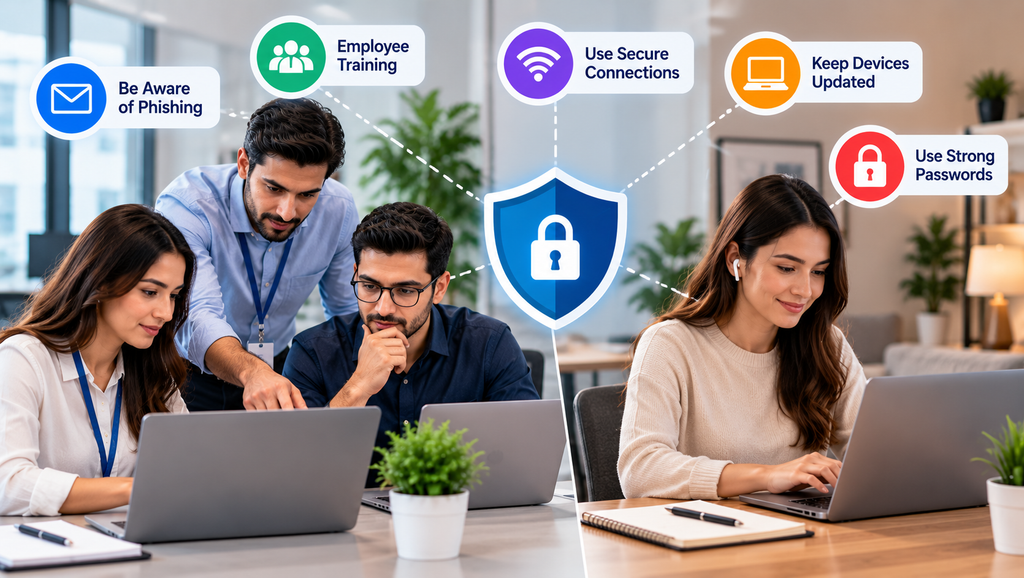
People are an important part of business network security. Employees can accidentally open malicious attachments, reuse passwords, approve fake login requests, or connect company devices to unsafe networks.
Security training should focus on situations employees actually face. Teach staff how to recognize suspicious emails, fake invoices, unusual login requests, dangerous links, and unexpected attachments.
Employees should also know what to do after making a mistake. If someone clicks a suspicious link, they should have a simple way to report it immediately. Quick reporting can give the business more time to limit damage.
Remote work creates additional concerns because employees may connect from homes, hotels, cafes, and other locations. Company devices should use current security updates and strong login protection.
Business network security should extend beyond the office. The FTC recommends secure remote connections, updated antivirus protection, device encryption, strong passwords, multifactor authentication, and secure Wi-Fi for remote workers.
Public Wi-Fi should be treated carefully. Employees should avoid sending sensitive business information over an unsecured connection. A VPN can help encrypt traffic when remote access is required.
Businesses should also review vendor access. A software provider, IT company, contractor, or other partner may need remote access to business systems. That access should be limited to what is required and removed when it is no longer needed.
One useful rule is simple: every account should have an owner, every device should have a purpose, and every connection should have a reason.
How Network Segmentation and Monitoring Improve Protection
Network segmentation separates different parts of a company network. Instead of placing every device on one shared network, a business can create separate areas for employees, guests, payment systems, cameras, servers, and other important devices.
This can limit the movement of an attacker. If a guest device becomes infected, for example, it should not have direct access to sensitive business systems.
Business network security becomes stronger when important systems are separated according to their purpose and risk. Cisco recommends segmentation as one option for controlling network traffic and assigning access based on users, devices, and roles.
Monitoring is another important part of the process. A business should know what normal activity looks like so unusual behavior can be noticed.
Warning signs can include repeated failed logins, unexpected administrator accounts, unusual file transfers, security software being disabled, or connections from unfamiliar locations.
Small businesses may not have someone watching network activity all day. In that case, managed IT or security services can help review alerts and respond to problems.
Business network security also needs a response plan. Decide who should be contacted if an account is compromised, which systems should be disconnected, where backups are stored, and how important evidence will be preserved.
Do not wait for an attack before creating this plan.
Review the network regularly as well. New employees, new software, new devices, office changes, remote workers, and new suppliers can all change the company’s risk level.
A security setup that worked last year may not be suitable after the business adds new systems.
Conclusion
Business network security is an ongoing business responsibility rather than a single software purchase. A company needs to know which devices and accounts it has, who can access them, what information they handle, and what happens if something goes wrong.
Business Networking Events Can Create Better Opportunities for Small Businesses
Start with the basics. Use unique passwords and multifactor authentication. Keep software and network equipment updated. Protect employee devices. Secure Wi-Fi. Separate guest access from business systems. Back up important information and test recovery.
Business network security should also include employee training because technology cannot prevent every mistake. Staff should know how to identify suspicious messages and report problems quickly.
How Much Does Amazon Make a Second? Revenue and Profit Explained
As the company grows, review access permissions, vendor connections, remote access, network segmentation, and monitoring. Add stronger controls where the business has greater exposure.
The best approach is based on actual business needs. A small company may not need the same security setup as a large enterprise, but it still needs clear rules and consistent protection.
Business network security works best when it becomes part of normal business operations. Regular reviews, sensible access controls, updated systems, protected data, trained employees, and tested recovery plans can make it much harder for a single mistake to become a major business problem.