
Home Security Systems Types Costs and How to Choose
A break-in can happen in minutes, and most homeowners never expect it. Home security systems have become one of the simplest ways to protect your family and your home. A good system does more than sound an alarm. It deters intruders, alerts you in real time, and gives you proof of what happened.
The problem is choice. There are dozens of brands, three main types of monitoring, and prices from under $100 to several thousand dollars. Choosing among home security systems can feel confusing, especially when every company claims to be the best.
This guide keeps it simple. You will learn what home security systems include, the main types, what they cost, how to install one, and how to pick the right system for your home and budget.
Table of Contents
What Are Home Security Systems?
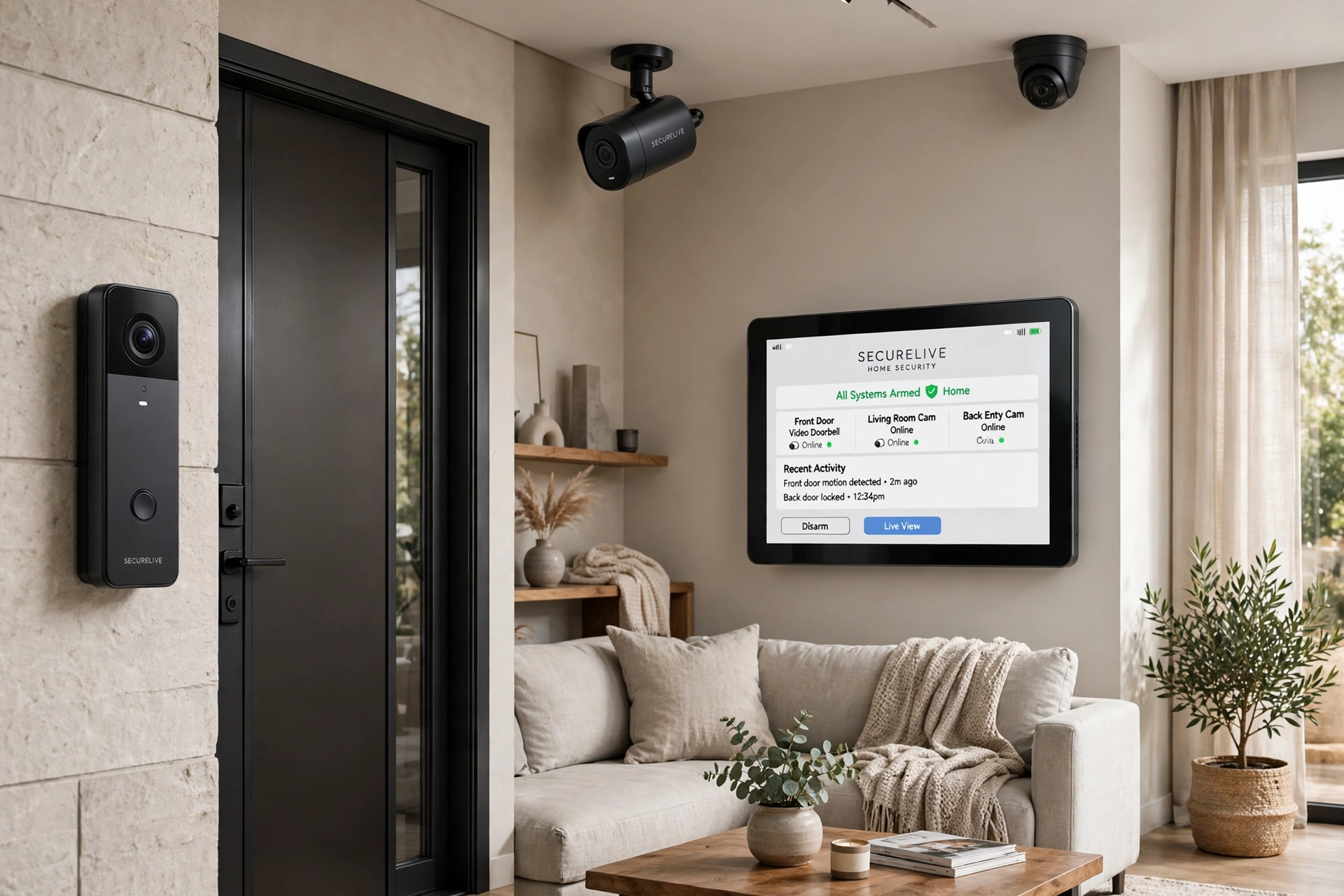
At their core, home security systems are a set of connected devices that work together to protect your home. A typical system includes door and window sensors, motion detectors, a control panel or hub, and at least one camera or alarm. When a sensor is triggered, the system sounds an alarm, sends a notification to your phone, and, if you pay for monitoring, alerts a monitoring center.
Types of Home Security Systems
The main types of home security systems fall into three groups: monitored systems, do-it-yourself (DIY) systems, and smart home systems. Each one suits a different kind of homeowner, and the right choice depends on your budget, your home, and how much work you want to do yourself.
Monitored Systems
A monitored system connects your home to a professional monitoring center around the clock. When an alarm goes off, the center calls you and, if needed, contacts the police or fire department. Monitored systems cost more each month, usually $20 to $60, but they protect your home even when your phone is off or you are asleep. ADT, the oldest name in monitored security, explains how professional monitoring works at https://www.adt.com/.
DIY Systems
A DIY system is one you install yourself. You buy the equipment online or in a store, set it up in an afternoon, and control it from your phone. There is no installation fee and often no monthly fee, though you can add optional monitoring for a small charge. DIY systems are popular with renters and first-time buyers because they are cheap, flexible, and easy to move.
Smart Home Systems
A smart home system builds security into the devices you already use. Smart locks, video doorbells, and cameras connect to one app and work with voice assistants. You can lock the door from bed, check who is at the front door from work, and turn on lights automatically when motion is detected. Modern cameras use AI to tell a person from a pet or a passing car, so you get fewer false alerts. If you want to see how AI is changing everyday tools, check out our roundup of AI tools for small business.
Cameras and Alarms
Cameras and alarms are the parts of the system you see and hear. Cameras record video and send alerts when they spot a person, while alarms make a loud sound to scare off intruders. A good setup uses both.
How Much Do Home Security Systems Cost?
The total cost of home security systems depends on the equipment you buy, the size of your home, and whether you pay for monitoring. Most homeowners spend between $200 and $600 on equipment for a basic setup, and larger homes with more doors and windows can cost $1,000 or more.
Monthly monitoring usually costs $0 to $60. DIY systems with self-monitoring often have no monthly fee, while professionally monitored plans typically start around $20 per month and go up to $60.
Do not forget the hidden costs. Some companies charge an installation fee of $100 to $200, and others require a contract of one to three years.
If you are fitting out a large property or a rental portfolio, the upfront cost can be high. Some owners spread the cost with financing. Our guide to term business lending explains how fixed-rate loans work and what to check before you borrow.
Equipment is a one-time cost and monitoring is a monthly cost. A basic DIY setup with no monthly fee can cost less than $300 in total, while a fully monitored system with cameras can cost $500 to $1,500 in the first year, then $240 to $720 per year after that.
How to Install Home Security Systems
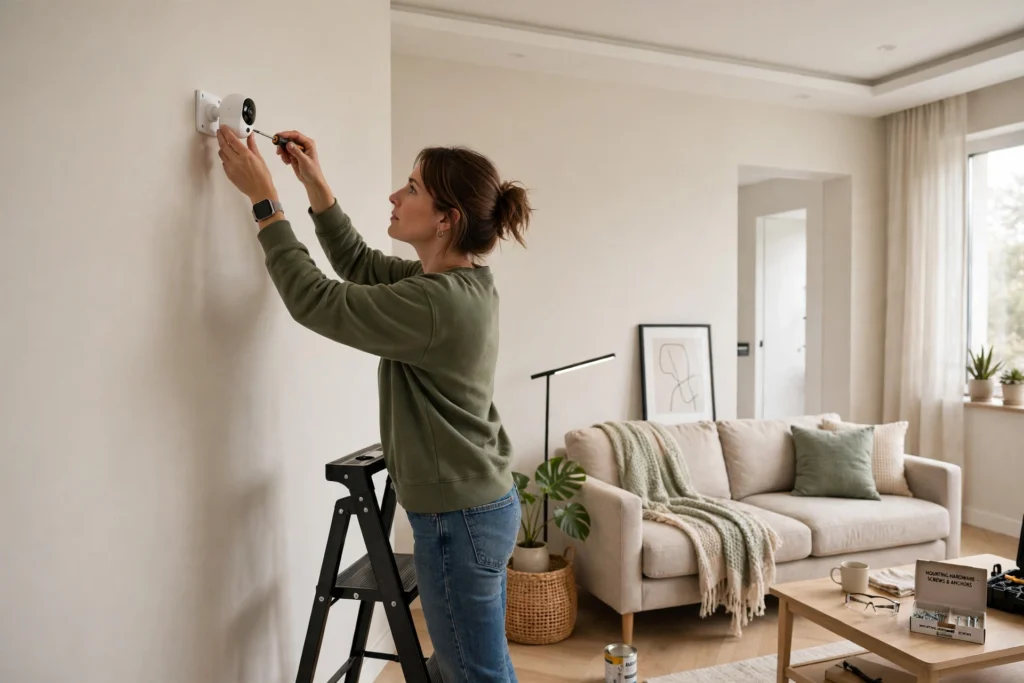
Installing home security systems is easier than most people expect. A basic DIY system takes one to two hours, and you only need a screwdriver, a drill, and your phone.
- Plan your coverage. Walk around your home and list every door and ground-floor window. Each one needs a sensor, because these are the entry points a burglar is most likely to use.
- Place the control panel. Put the hub in a central spot, near your router and within reach of the front door. Plug it in and connect it to your Wi-Fi.
- Install door and window sensors. Stick or screw one sensor on each door and window frame. Test each one by opening and closing the door to make sure the app shows the right status.
- Mount the cameras. Place outdoor cameras above doors, facing driveways and walkways, about 8 to 10 feet high. Indoor cameras work best in hallways and living rooms, not bedrooms.
- Add motion detectors. Mount motion sensors in corners of rooms, about 7 feet high, aimed across the room. Keep them away from heating vents and windows, which can cause false alarms.
- Connect the alarm and test everything. Arm the system, open a door, and check that the alarm sounds and your phone gets an alert. Test every sensor once before you rely on the system.
- Set up alerts and codes. Create a different code for each family member, turn on phone notifications, and add trusted contacts who should be alerted if the alarm goes off.
Best Home Security Systems Compared
The table below compares popular home security systems side by side. Prices are typical starting prices and can change with sales and bundles, so treat them as a guide rather than a promise.
| System | Best For | Starting Equipment Price | Monthly Monitoring | Key Features |
|---|---|---|---|---|
| SimpliSafe | DIY and renters | From $250 | From $20/month | No contract, easy setup |
| Ring Alarm | Smart home users | From $200 | From $20/month | Video doorbell, Alexa |
| ADT | Professional monitoring | From $550 | From $46/month | 24/7 monitoring, pro install |
| Vivint | Full smart home | From $600 | From $40/month | Smart locks, cameras |
| Abode | Flexible, no contract | From $140 | From $0 (self-monitoring) | Apple HomeKit, DIY |
SimpliSafe and Abode are the best picks if you want no contract and a low upfront cost. Ring Alarm is the natural choice if you already use Alexa or a Ring doorbell. ADT and Vivint cost more, but they include professional installation and the fastest response times.
Independent testing from SafeWise compares the top systems each year. See their full rankings at https://www.safewise.com/best-home-security-systems/ before you buy. CNET’s hands-on reviews at https://www.cnet.com/home/security/best-home-security-systems/ are a good second opinion on camera quality and app reliability.
Benefits of Home Security Systems
The biggest benefit of home security systems is deterrence. Burglars avoid homes with visible alarms and cameras. A sign in the yard and a camera above the door can be enough to send an intruder to an easier target.
A second benefit is speed. When a monitored system detects a break-in, the monitoring center can call for help in under a minute. Without a system, you might not know about a break-in until you come home hours later.
Modern systems also protect against more than burglary. Many include smoke detectors, carbon monoxide sensors, and water leak sensors, so one system can warn you about fire, gas, and flooding as well.
There is a money benefit too. Many home insurance companies offer a discount of 5% to 20% if you install a monitored alarm, which can pay for part of the monitoring fee each year. For more on what insurance covers and how to protect a property, see our guide to small business insurance.
Common Mistakes With Home Security Systems
One common mistake with home security systems is buying a system that is too small. People protect the front door and forget the back door, the garage, and the ground-floor windows. A burglar only needs one unprotected entry point.
Another mistake is choosing a system without checking the contract. Some companies advertise a low monthly price, then lock you into a three-year contract with a large cancellation fee. Always read the contract and ask about the total cost over three years before you sign.
Weak passwords are a third mistake. If your system uses the default password, anyone who knows the brand can guess it. Change every password, turn on two-factor authentication, and keep your app and firmware updated.
A fourth mistake is placing cameras badly. A camera pointed at a bright window will show only a dark shape, and a camera mounted too low can be reached and covered. Test your cameras at night and adjust the angle until faces are clear.
Finally, many people install a system and then never test it. Test every sensor once a month and replace batteries before they die. A system that does not work when you need it is worse than no system at all.
A Practical Example of Home Security Systems in Action
Take the example of a family in a three-bedroom suburban house. They had been broken into once, through a back window, and they decided to install home security systems that would stop it happening again. They chose a DIY system with six door and window sensors, two outdoor cameras, one video doorbell, and a monitored plan at $25 per month.
Six months later, the system proved its worth. At 2 a.m., a motion alert woke them up. The camera showed a stranger in the driveway trying car doors. The alarm sounded, the stranger ran off, and the monitoring center called within a minute. Nothing was stolen, and the video helped the police identify the person.
The family did not buy the most expensive system. They bought one that covered every entry point, and they tested it every month. That is the whole lesson: coverage and testing matter more than brand names.
Frequently Asked Questions
Are home security systems worth it?
For most homeowners, yes. Most home security systems pay for themselves over time through insurance discounts and the losses they prevent. Even a basic DIY system with no monthly fee makes your home a harder target than a home with no protection at all.
Do these systems work during a power cut?
Most modern systems have a battery backup that keeps them running for 12 to 24 hours. Monitored systems also use a cellular connection, so they keep working even if the power or internet goes down.
Do I need a contract for a home security system?
Not always. DIY systems from SimpliSafe, Ring, and Abode work without a contract. Professionally installed systems from ADT and Vivint often require a contract of one to three years, so read the terms before you sign.
Do security systems lower home insurance?
In many cases, yes. Most insurers offer a discount of 5% to 20% for a monitored alarm system. Ask your insurer what proof they need, such as a certificate from the monitoring company.
Final Thoughts
Choosing the right home security systems comes down to three things: coverage, cost, and reliability. Cover every door and ground-floor window. Know the full cost, including monitoring and contracts, before you buy. And test the system every month so it works when you need it.
You do not need the most expensive system on the market. A basic DIY setup protects a small home well, while a monitored system with cameras is better for a large home or for people who travel often. Start with the basics and upgrade over time.
If you are still unsure, start small. Buy a starter kit, install it this weekend, and see how it feels. The worst choice is no system at all.